Mon – Sun: 10:00am – 10:00pm EST

Android Devices

android removebg preview
H6f681d7052ce41cd9847352e871ba784G removebg preview

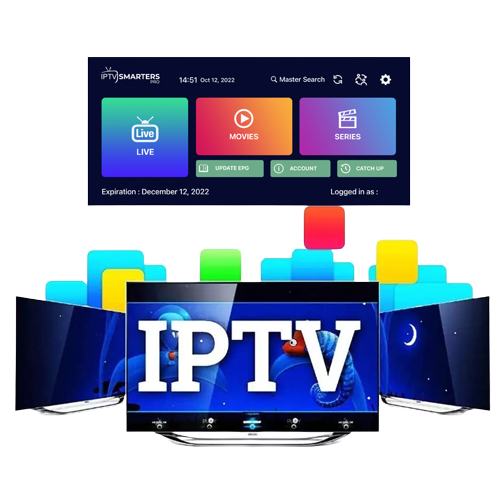
Pre-configured IPTV Smarter App

Pre-configured IPTV Smarter App

  1. Download and install the StreamQ IPTV Pre-configured IPTV Smarters App using this link: https://streamqiptv.com/smart.apk
  2. You will find the download in your apps section in file browser/local/downloads. Just select the StreamQ APK file and install.
  3. Open the application.
  4. Select setup as TV.
  5. Please place your order including your Username and Password at checkout.
  6. Once you receive confirmation email, Enter the Username and Password you selected when placing you order and LOGIN.
  7. Download each section… Live TV, Movies, and Series.
  8. The guide information will take a few moments to download and install.
  9. Now you’re all set. ENJOY!

IPTV Smarters setup instructions click HERE

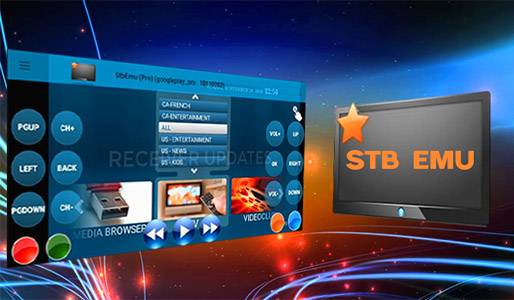
STB Emulator App

(MAC address subscription required)

Compatible with almost any Android device Android 5.0 or better, including cell phones and tablets. Apps can be downloaded using by accessing the StreamQ IPTV website using the web browser of your Android device.

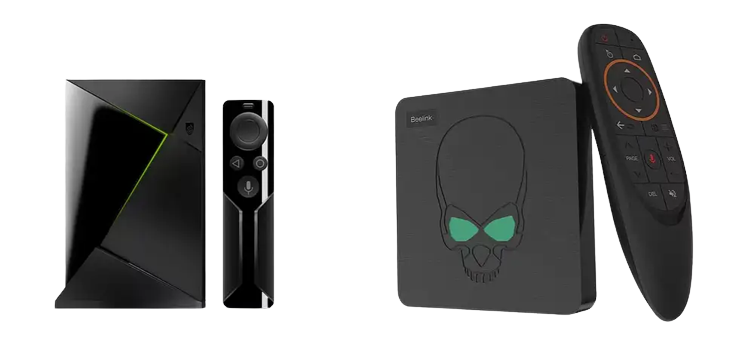
StreamQ IPTV turns any Android device into a complete entertainment system, giving you more than 20,000 live channels plus thousands of on-demand movies and series in Full HD and 4K. Whether you are on an Android TV box, an NVIDIA Shield, a phone or a tablet, the pre-configured StreamQ Smarters app gets you streaming sports, PPV, news and international channels in minutes. Want to test it first? Activate your free 24-hour StreamQ trial and try every channel on your Android device before you commit.

Download and install STB Emulator and setup follow the instructions by clicking HERE
stb emu pro