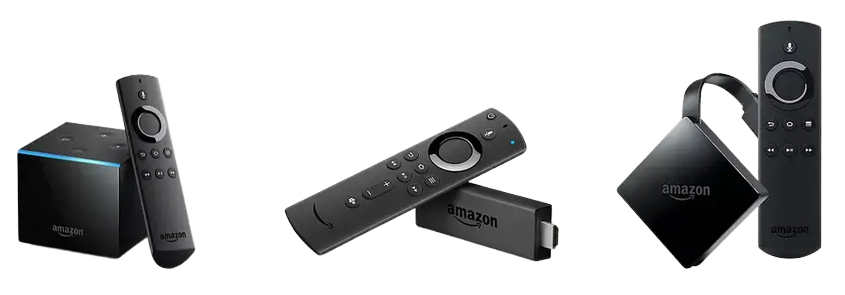
Fire Devices
STEP 1 – INSTALL DOWNLOADER AND ACTIVATE DEVELOPER MODE
STEP 2 – INSTALL SMARTERS AND LOGIN
Pre-configured IPTV Smarter App
- In the settings of your device select My Device.
- Select Developer options and enable ADB Debugging and Install from unknown sources.
- If do not see Developer Options select About in your Firestick settings then select Fire TV Stick multiple times until it says you’re a developer.
- Go back and complete step 2.
- Open Downloader and enter this URL for StreamQ IPTV https://streamqiptv.com/smart.apk then click GO and install.
- Select setup as TV.
- Please place your order including your Username and Password at checkout.
- Once you receive confirmation email, Enter the Username and Password you selected when placing you order and LOGIN.
- Download each section… Live TV, Movies, and Series.
- The guide information will take a few moments to download and install.
- Once loaded you’re all set. ENJOY!
IPTV Smarters setup instructions click HERE
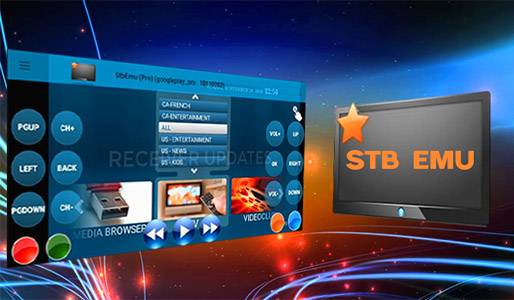
STB Emulator App
(MAC address subscription required)
Apps downloadable using Downloader App available in the app store.
StreamQ IPTV runs beautifully on the Amazon Fire TV Stick, Fire TV Cube and Fire TV, delivering 20,000+ live channels and thousands of movies and series straight to your TV in Full HD and 4K. With the pre-configured StreamQ Smarters app you get instant access to live sports, pay-per-view events, news, kids and worldwide channels, all backed by anti-freeze servers and 24/7 support. New to StreamQ? Start your free 24-hour trial and watch the full line-up on your Firestick before you subscribe.
Download and install STB Emulator and setup follow the instructions by clicking HERE